How ACar works

Buying with ACar

From the listing to keys in hand.

Here is the real buying path: the price you see, every checkout section, how payment works, what you sign, what happens after checkout, and how pickup and NJ MVC filing actually move forward.

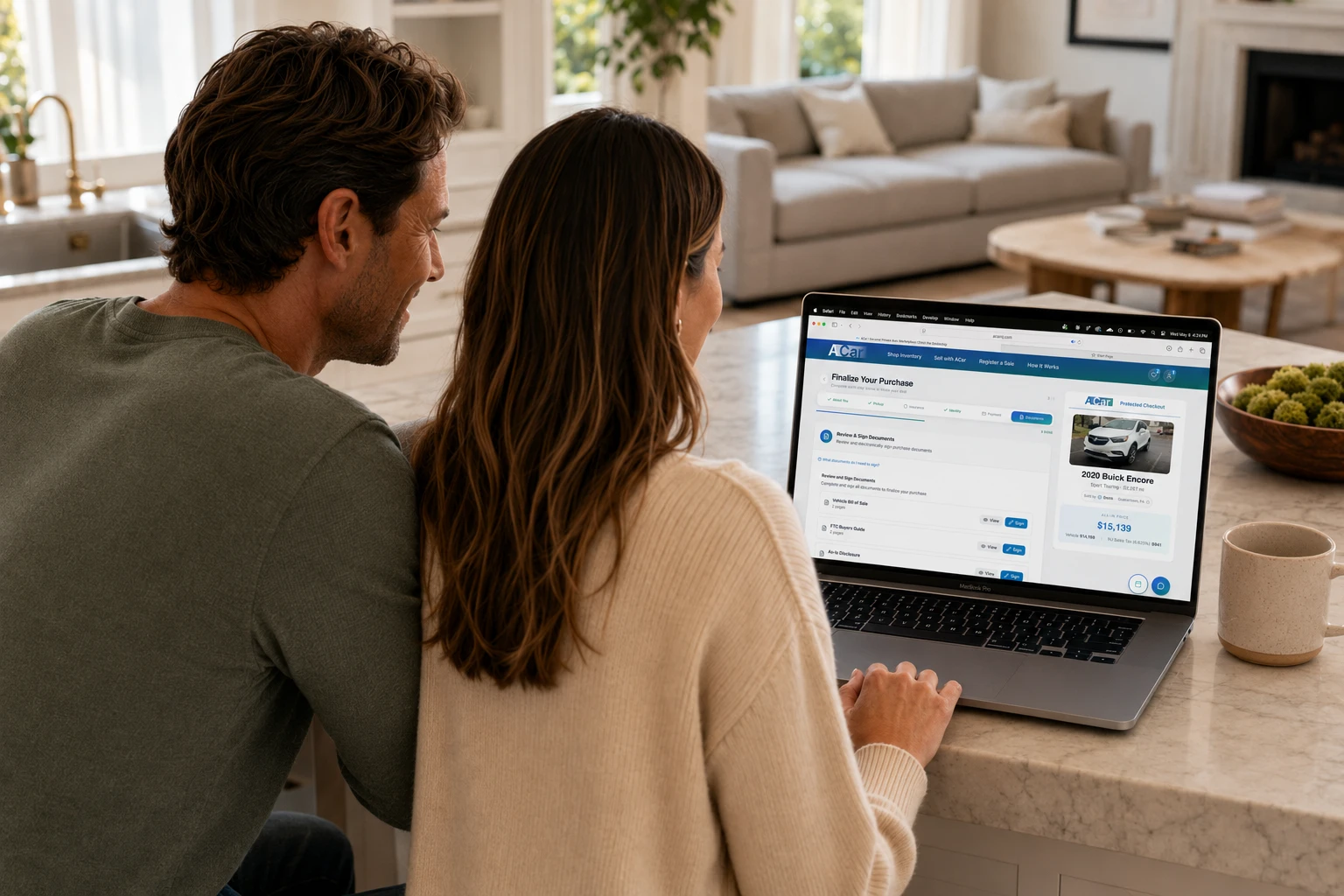
Buyers reviewing ACar purchase documents together on a laptop

Guided from start to pickup

Secure steps · Clear status · Saved progress

The complete path

Checkout is one part of a cleared vehicle handoff.

01

Choose the vehicle

See the purchase total

02

Complete checkout

5 guided sections

03

Finish pickup tasks

Insurance, photo, tags

04

Pick up and drive

MVC work continues

A funded bank account for ACH

You can use your own funds or financing arranged through your bank or credit union. Have the purchase funds available in the bank account you will connect securely through Stripe.

A valid photo ID

Have your driver’s license or another supported government ID and your phone ready for the Stripe Identity scan and selfie.

Registration and mailing details

Know who will be on the registration and where temporary registration and permanent plates should be mailed.

A phone you can keep nearby

Identity, post-checkout insurance capture, pickup updates, and document notifications may move between desktop and phone.

Real checkout walkthrough

Watch the actual flow before you start.

The checkout keeps About You, Pickup, Identity, Payment, and Documents visible in one place. You can save progress, return later, and see which requirement is waiting on you, the seller, payment processing, or ACar review.

Desktop and phone flowSaved progressStatus on every section

Inside checkout

The five sections you will complete.

These are the current buyer steps—not a generic shopping summary. Completed sections stay visible, and requirements that depend on the seller or title package are labeled instead of being hidden.

01
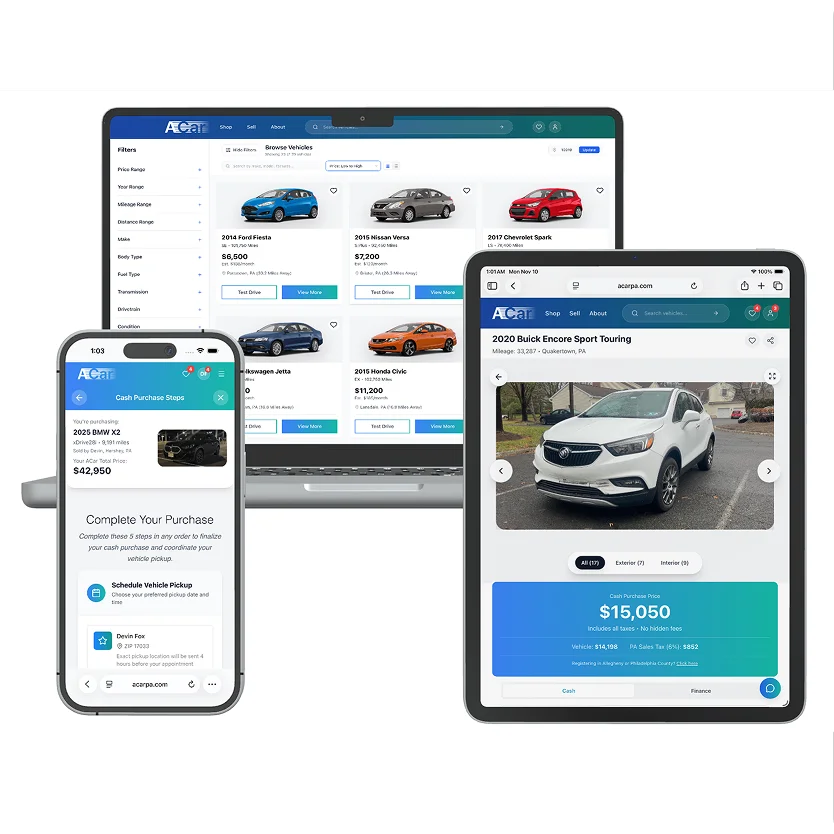
ACar inventory, vehicle page, and purchase flow shown across devices

Checkout section 1

Confirm who is buying and registering the car

Enter the legal name, contact information, date of birth, and address ACar uses to prepare the purchase and New Jersey MVC paperwork. If the vehicle will be registered to someone else, add that person here too.

Buyer legal name and contact details
Home and registration address
Alternate registrant, when applicable
Information used to prepare transaction documents
02
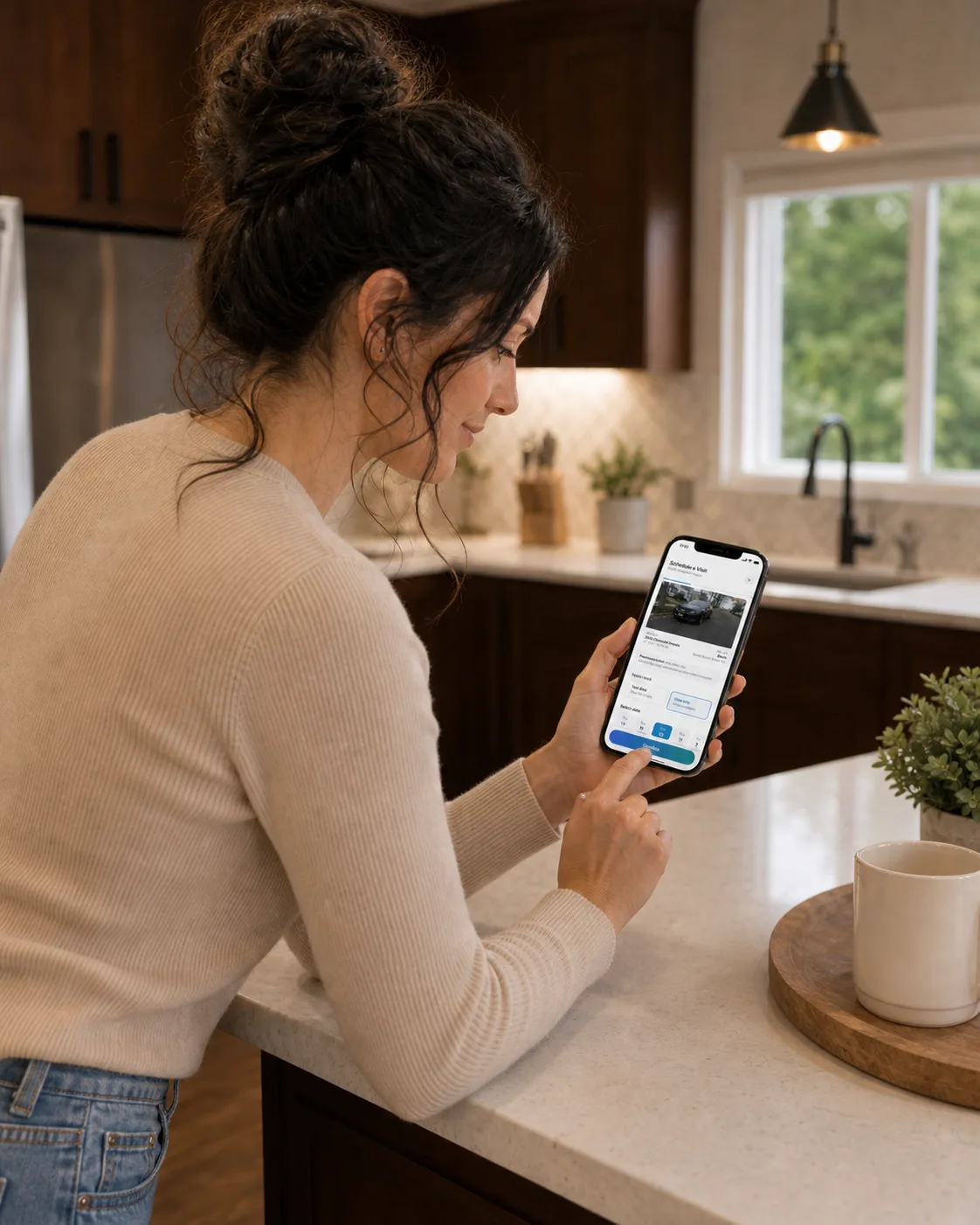
Buyer scheduling an ACar appointment from a phone

Checkout section 2

Request your pickup date and confirm the mailing address

Choose an available date and time from the seller’s pickup settings. ACar also asks where temporary registration should be mailed when it is available for the transaction.

Pickup dates begin at least 3 business days out
Seller confirmation is normally sent within 24 hours
Exact pickup address is released 4 hours before the appointment
Temp-tag mailing address is confirmed separately
Good to know: A requested pickup is not the same as a cleared closing. Funds, documents, title checks, insurance, and other release requirements still have to be complete.
03
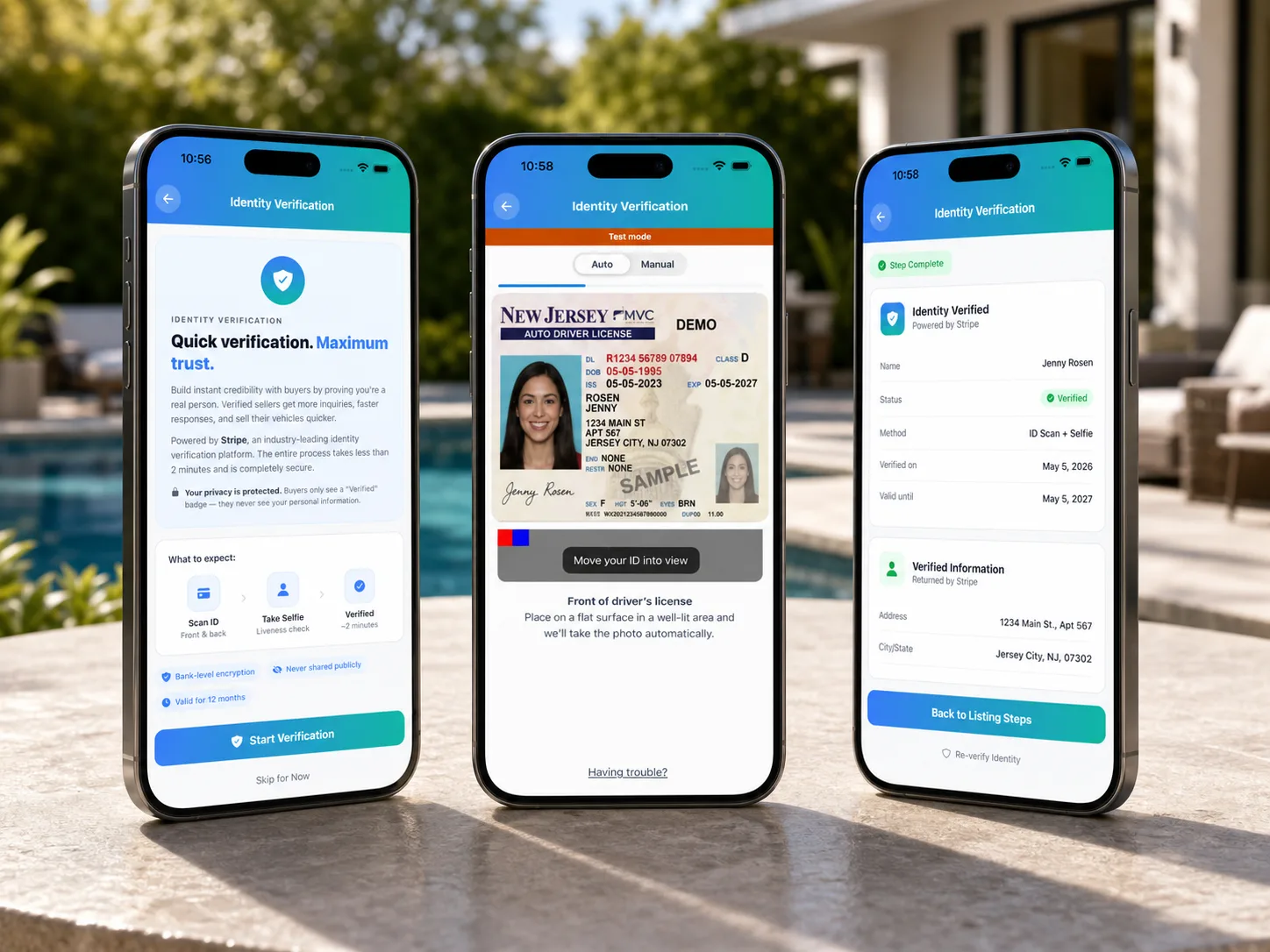
Three ACar identity verification screens showing ID scan and completion

Checkout section 3

Verify the buyer’s identity

Use a phone to scan a government-issued ID and complete a selfie match through Stripe Identity. When another person will be the registered owner, both people may need to verify.

Government-issued photo ID
Quick selfie and liveness check
Separate registrant verification when required
Verification status saved to the purchase
04
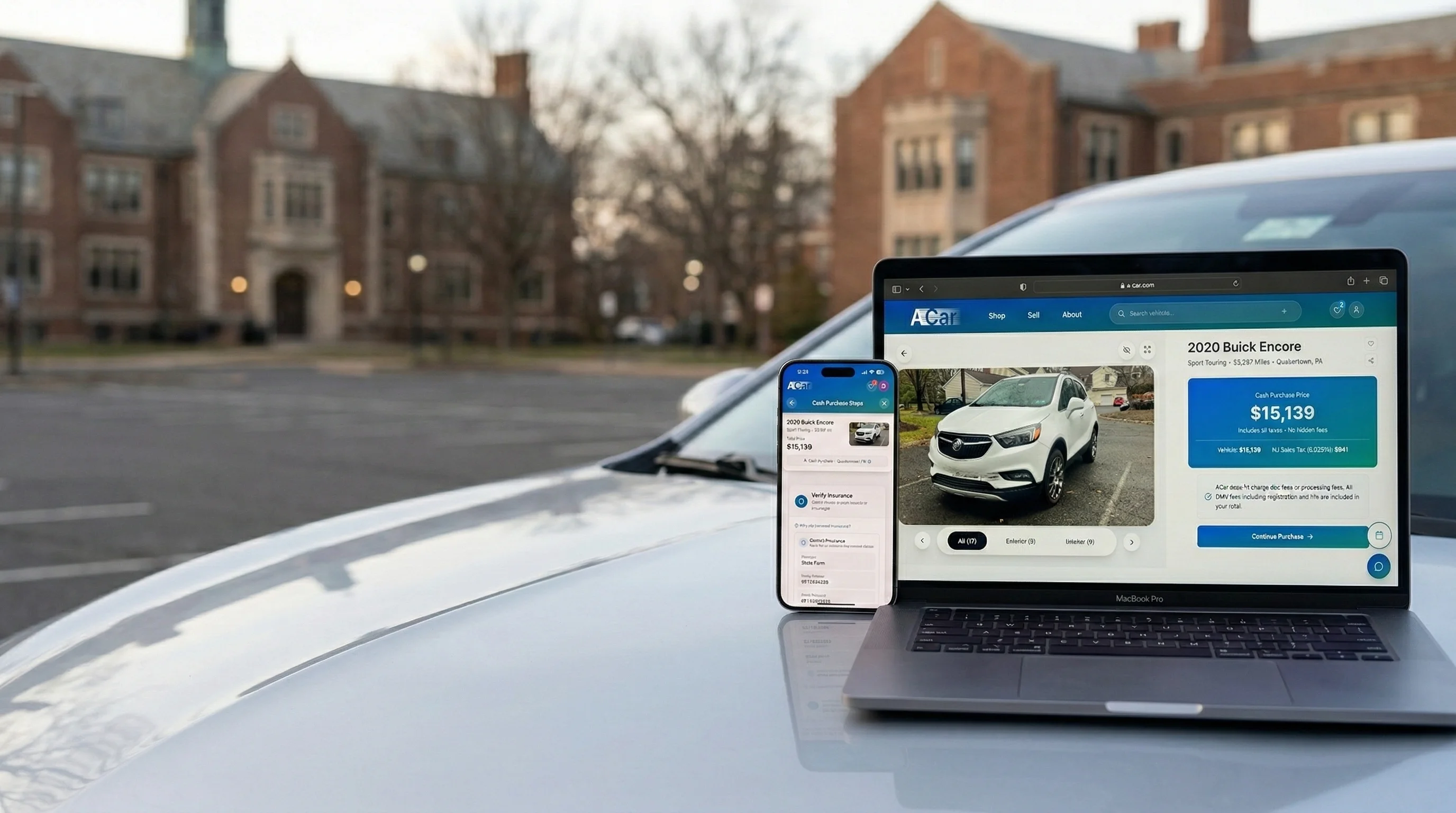
ACar purchase total and guided checkout on a laptop and phone

Checkout section 4

Reserve the vehicle or set up the full ACH payment

Connect a bank securely through Stripe. You can set up the full payment, or use the checkout’s reservation option and complete the remaining payment setup before its deadline.

Full ACH payment setup moves the purchase forward
$250 reservation deposit option
72 hours to configure the remaining payment after reserving
Deposit is credited toward the purchase total
Good to know: The $250 deposit is refundable if you cancel the checkout reservation and is returned to the original payment method, typically within 3–5 business days. ACH transfers also typically take 3–5 business days, so payment setup is not the same as cleared funds. A vehicle-specific amount shown in checkout takes precedence over the system default.
05
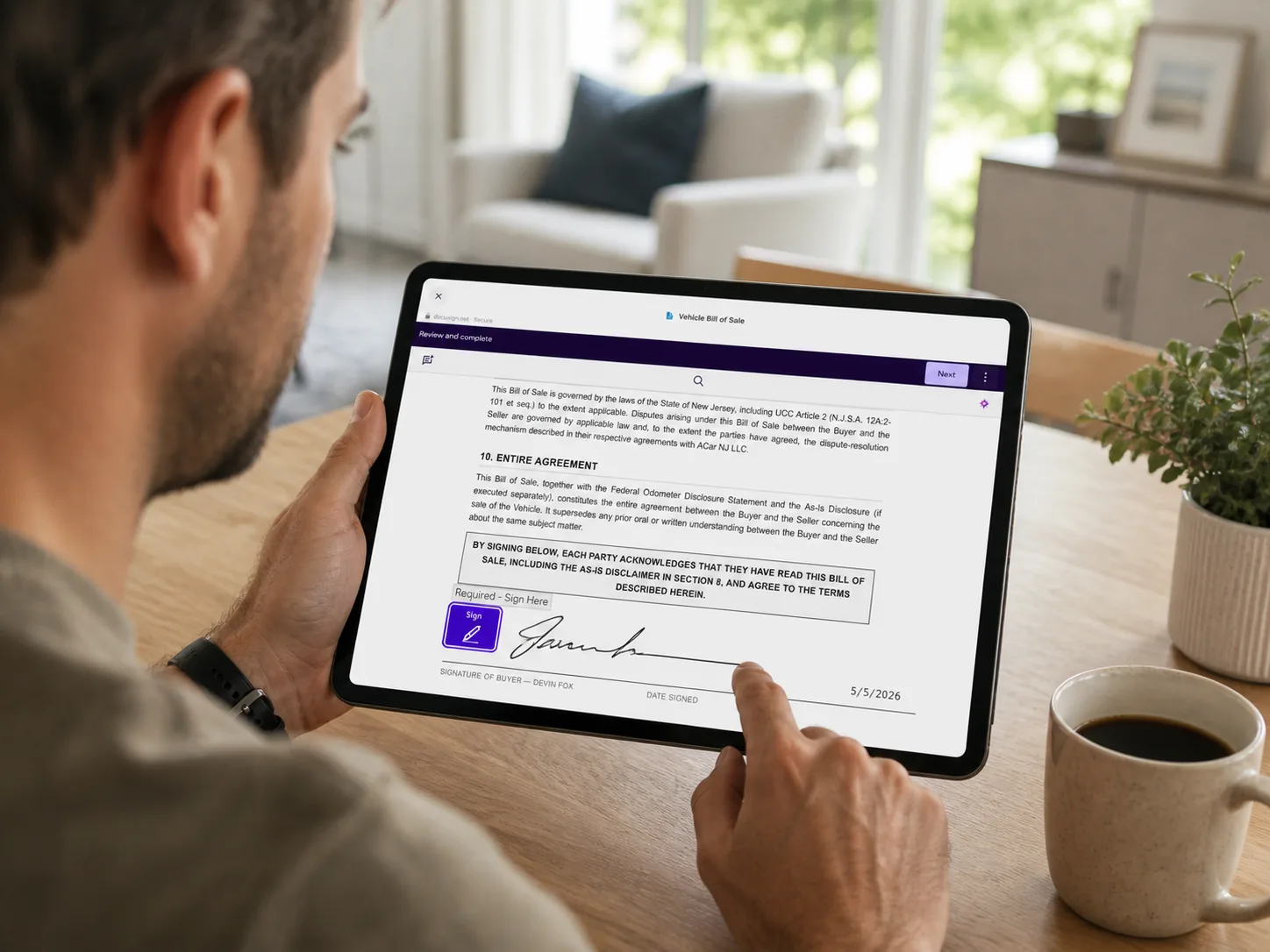
Buyer reviewing and signing an ACar vehicle bill of sale online

Checkout section 5

Review and sign the documents that are ready

The document center prepares the forms for this specific vehicle and transaction. Review each one before signing. Some forms can remain pending until the seller confirms final mileage or ACar receives the original title package.

Buyer purchase agreement and bill of sale
Buyers Guide and as-is or warranty disclosure
Federal odometer disclosure after final mileage is confirmed
Limited title and registration authorization
Good to know: The exact document set depends on the vehicle, ownership, title, registration, and warranty facts. ACar shows what is required and what is still waiting on another party.

Payment, plainly explained

Two checkout choices. One clear payment path.

Recommended in checkout

Set up the full ACH payment

Connect your bank through Stripe for the full purchase total. That payment commitment reserves the vehicle without a separate deposit.

  • Bank credentials stay with Stripe
  • Transfer typically takes 3–5 business days
  • Pickup waits for the required payment clearance
Short-term hold

Reserve with $250, then set up ACH

Pay the reservation deposit during checkout, then connect the bank account for the remaining balance within 72 hours. The deposit is applied to the total.

  • Exclusive hold for 72 hours
  • $250 credited toward the purchase
  • After the hold ends, another shopper may complete checkout first

Your checkout is not automatically deleted when the hold ends. You can still configure payment while the vehicle remains available.

This is the current system default. If a specific vehicle has a different configured deposit, the amount shown in that vehicle’s checkout controls.

Using your bank or credit union?

You can arrange financing directly with your own lender. Ask how the approved funds can be made available in the bank account you will connect through Stripe ACH, then connect that funded account immediately or use the optional reservation deposit while you finish arranging the funds.

Read the outside-financing guide
Optional 72-hour hold

After checkout

Three pickup requirements happen next.

Checkout completion does not automatically release the car. These post-checkout tasks are shown in order management and must be completed with the other closing checks before handoff.

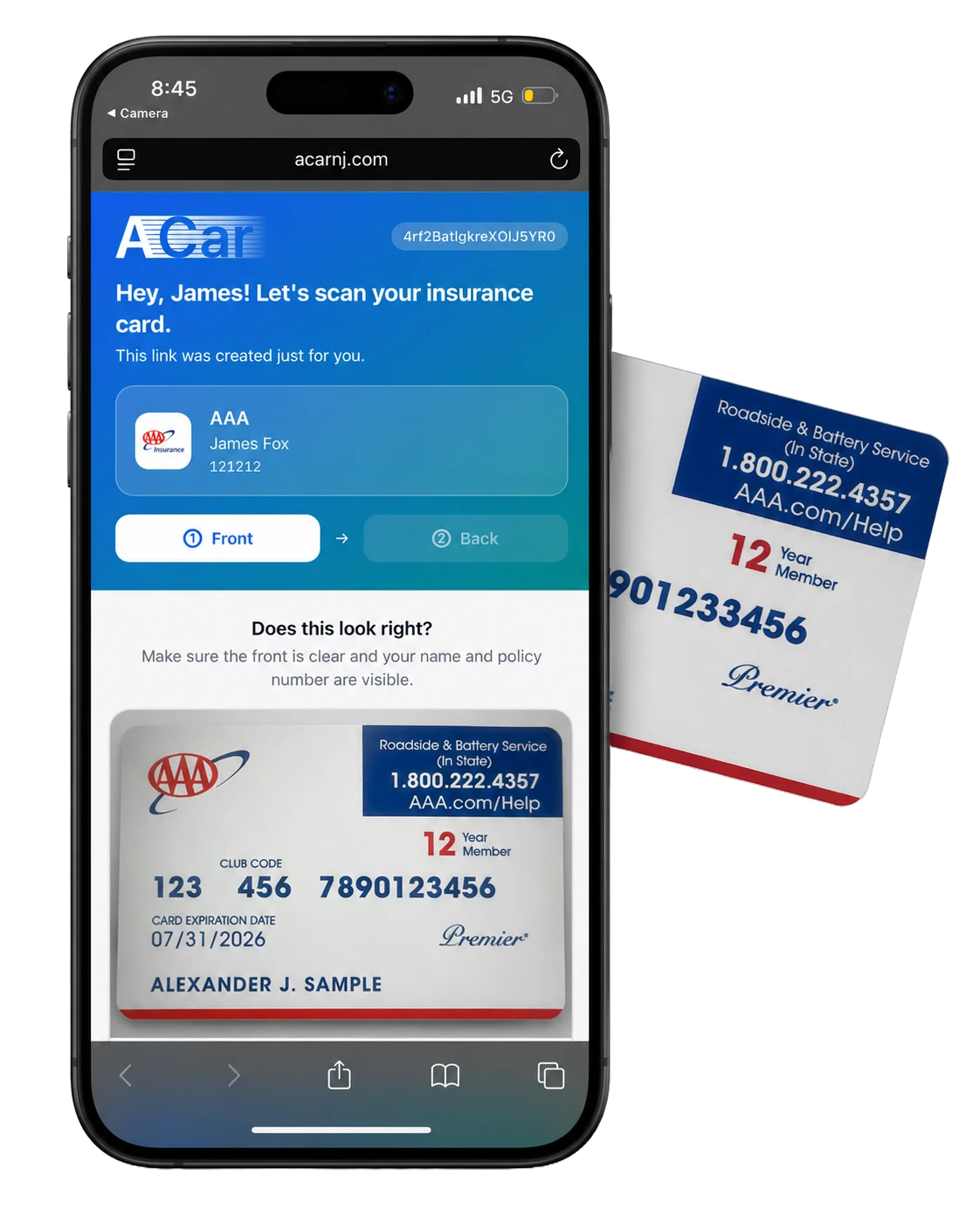
01ACar mobile insurance-card capture example

Add and verify insurance

Insurance is intentionally completed after checkout, when you can add the purchased vehicle to an active policy. Scan the insurance card or provide the requested policy details before taking possession.

02ACar profile photo capture used for pickup verification

Finish pickup identity checks

Make sure the verified buyer information is current and add the profile photo used for pickup verification. Bring the physical ID that matches the purchase.

03Example New Jersey temporary registration tag on a vehicle

Watch for temporary registration

Where legally available, ACar coordinates dealer-issued temporary registration after the original title package and transaction release gates are approved. Follow the display instructions and bring it to pickup.

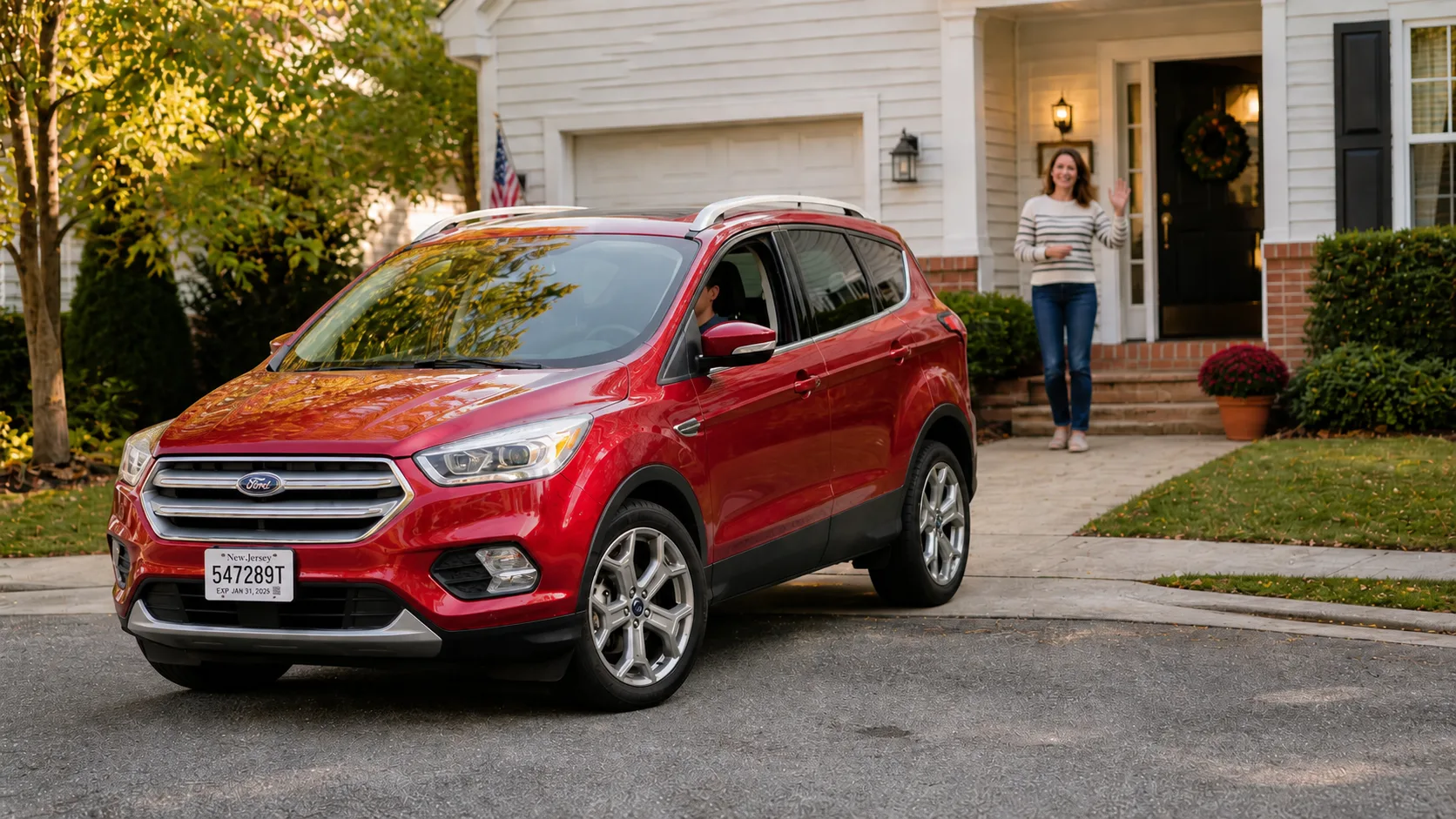
Buyer driving away after completing the ACar vehicle handoff

Pickup through permanent plates

The keys are a milestone, not the end of the paperwork.

ACar keeps the transaction record, title package, temporary registration status, and MVC filing visible after the handoff.

Step 1

Transaction review

ACar checks successful funds, identities, insurance, signed documents, title information, payoff or lien-release details when applicable, and the pickup plan.

Step 2

Vehicle handoff

Meet at the confirmed location, inspect the vehicle, complete any remaining handoff records, and receive the keys once the transaction is cleared.

Step 3

NJ MVC filing

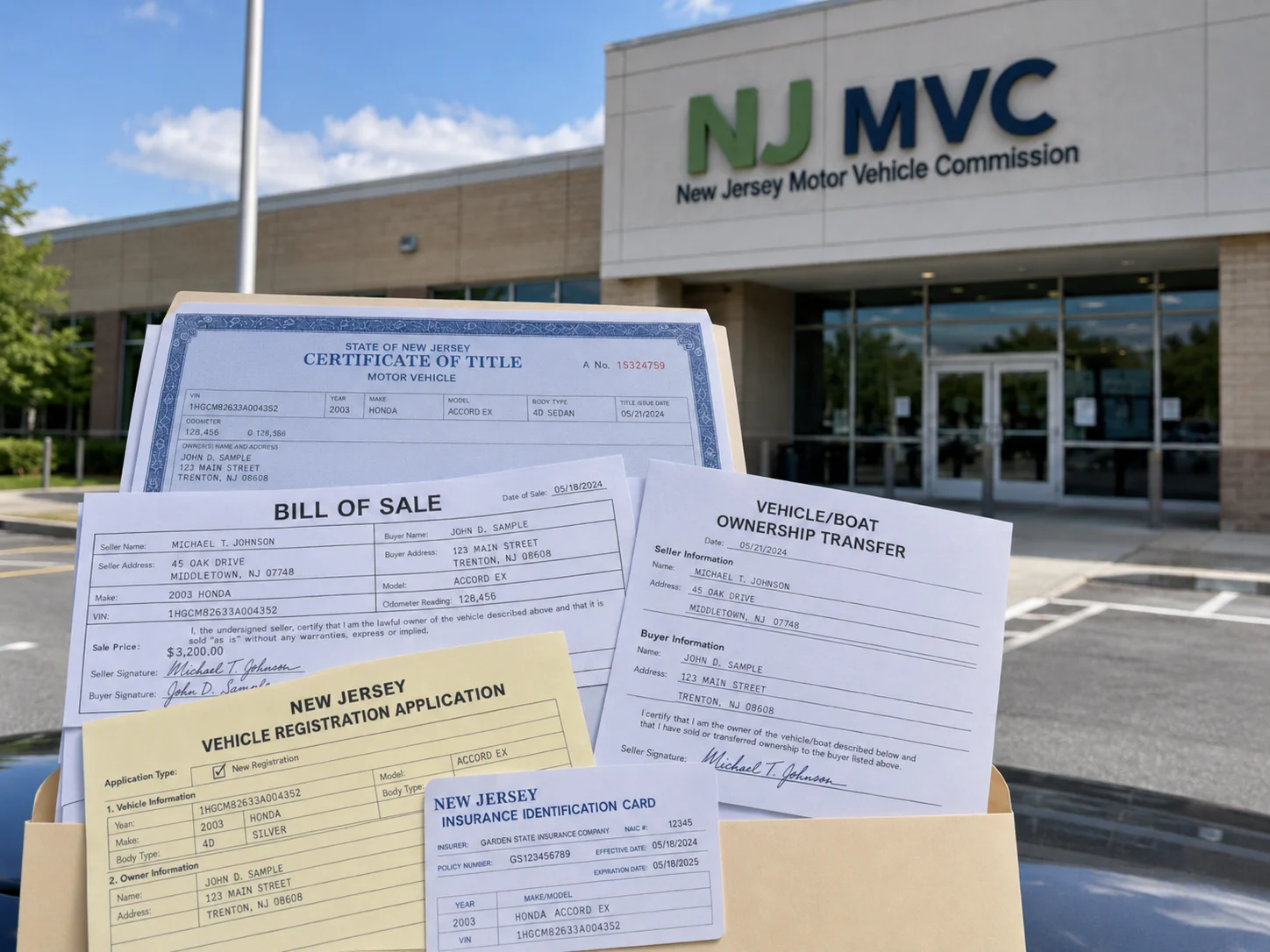
ACar coordinates the title and registration filing after the original title package is received and approved. Your order page shows follow-up items and progress.

Step 4

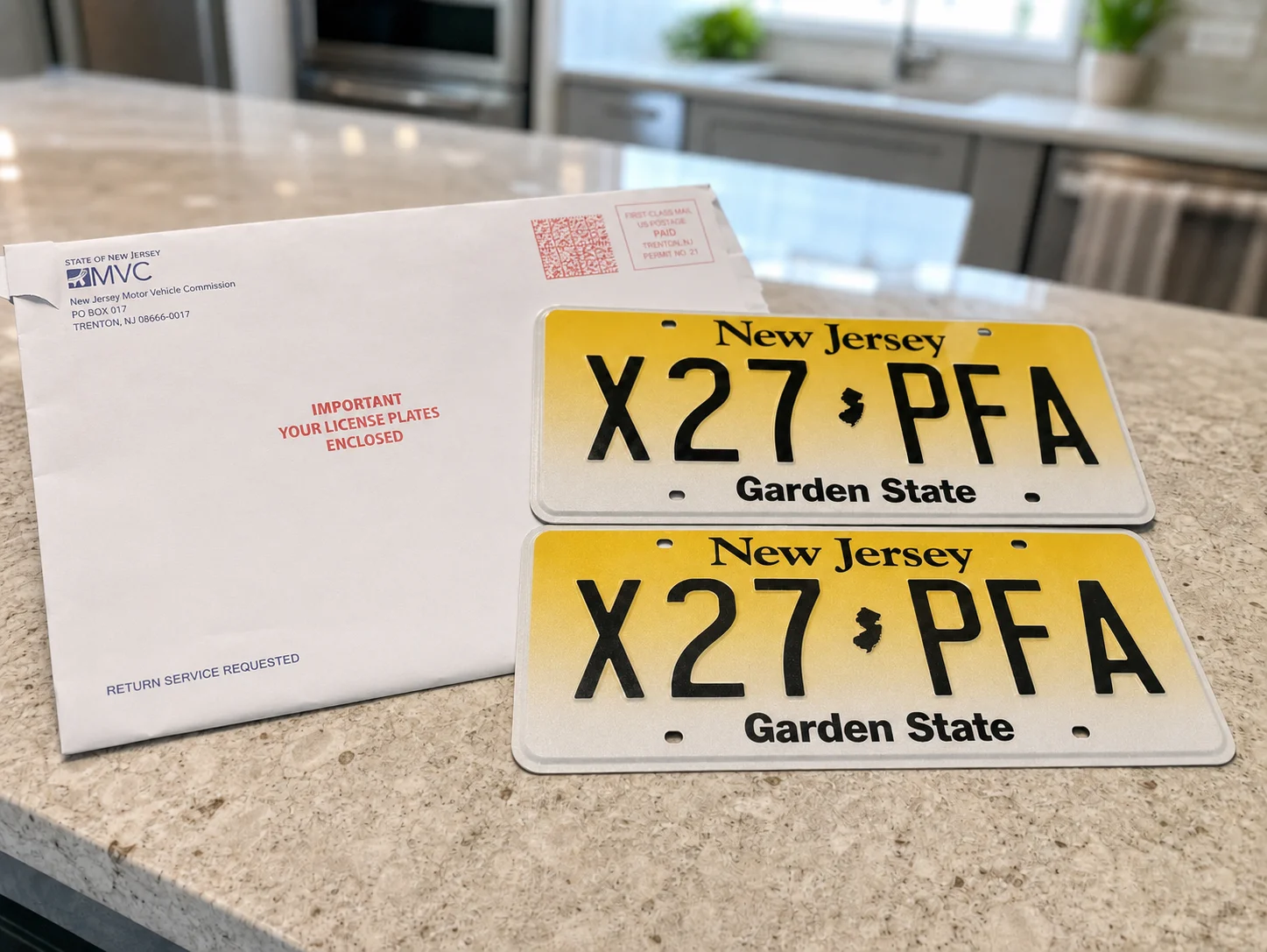
Permanent plates

Permanent plates and the registration card are mailed after MVC processing. If processing requires follow-up, ACar reviews the legally available temporary-registration options.

New Jersey title and registration forms prepared for MVC filing

ACar prepares and coordinates the filing

The original title package and transaction facts are reviewed before the supported NJ MVC filing moves forward.

Permanent New Jersey plates arriving by mail

Permanent plates arrive after MVC processing

Track status from the order page and replace the temporary registration display when the permanent registration package arrives.

Buying, answered

The details worth knowing before checkout.

What does the price shown on the vehicle page include?

The purchase display shows the listed vehicle price and applicable NJ sales tax. ACar does not charge a doc fee or processing fee; applicable NJ MVC title and registration charges are shown in the total before you confirm.

Can I use financing from my bank or credit union?

Yes. Arrange the financing directly with your lender and ask how the approved funds can be made available in the bank account you will connect through Stripe ACH. You can connect that funded account immediately, or optionally place the reservation deposit to hold the vehicle for 72 hours while you finish arranging the funds. ACar does not issue the loan or connect lenders directly to checkout.

Why is insurance after checkout?

The vehicle generally needs to be yours before it can be added to your policy. ACar therefore treats insurance verification as a post-checkout requirement that must be completed before the vehicle is released and temporary registration is finalized where available.

Does signing checkout mean I can pick up immediately?

No. Pickup is released only after the required funds, identity, insurance, title, document, and transaction checks are complete. A scheduled appointment can still be waiting on those closing requirements.

Will I need to visit the NJ MVC?

ACar coordinates the NJ MVC title and registration filing for supported transactions after the original title package is received and approved. If an exception needs your action, it will appear in your order updates.

Can I stop and finish checkout later?

Yes. Checkout progress is saved. A paid reservation gives you a 72-hour exclusive hold to configure full payment. You can cancel the checkout reservation, and the deposit will be refunded to your original payment method, typically within 3–5 business days. After the hold ends, you may continue if the vehicle is still available, but another shopper can complete checkout first.